Be as hands on or off as you like.
Utilize the tools inside deezbills yourself, or put Fred to work and watch him take care of everything for you.

deezbills vs YNAB
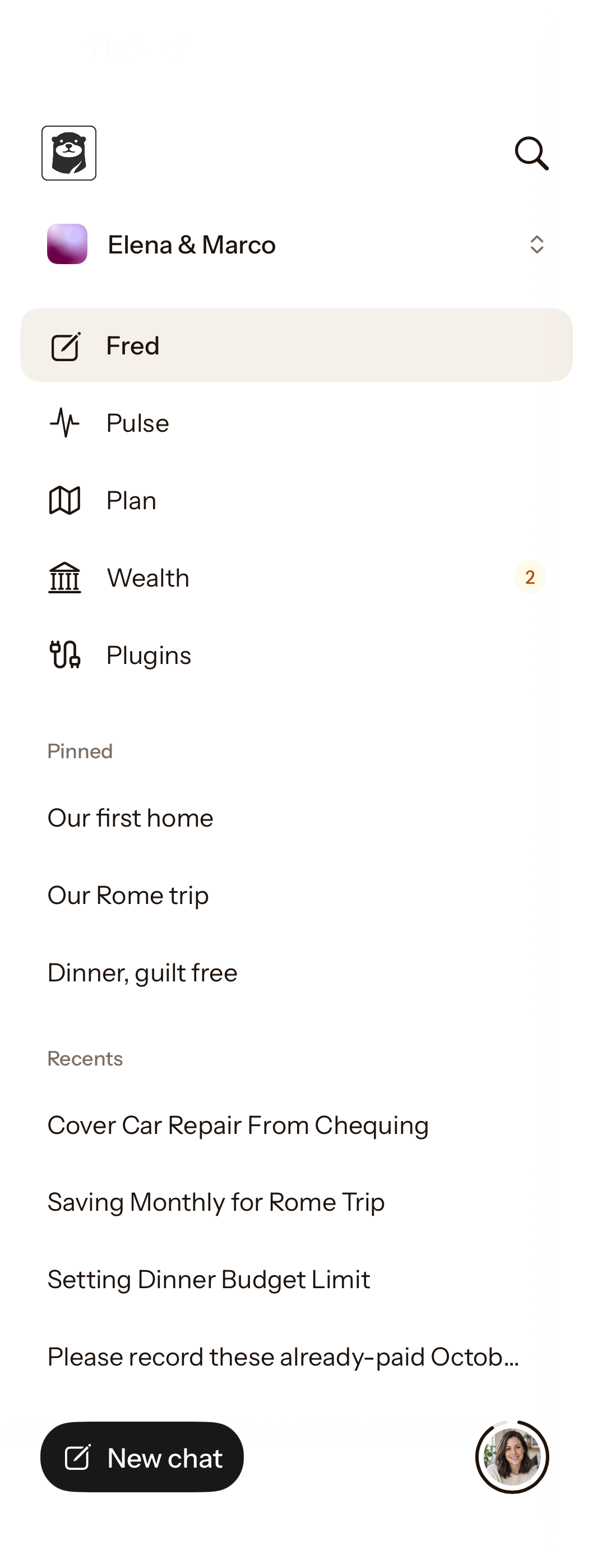
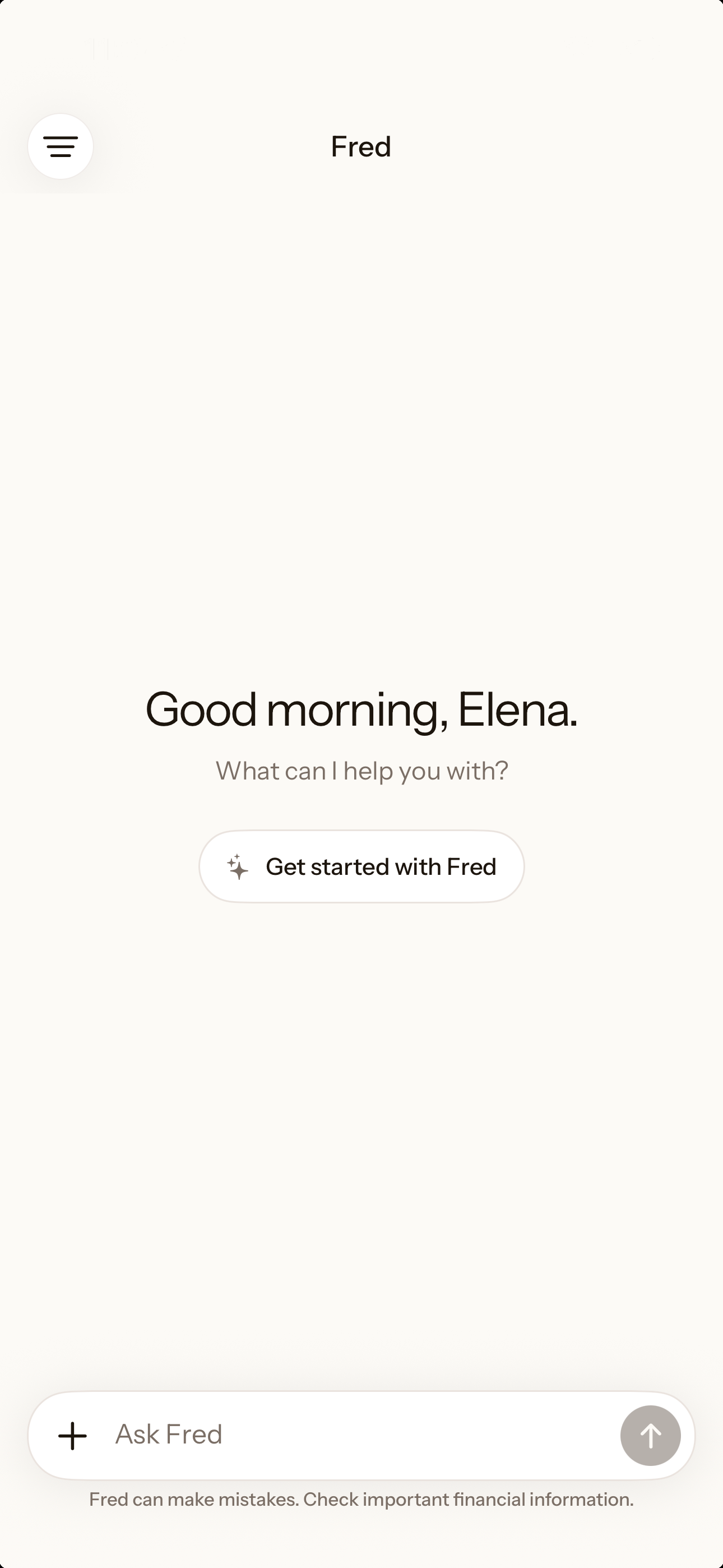
Start with what you want to do. Fred helps work out the budget and takes care of the changes you approve.
Free trial. No credit card required. Cancel anytime.
Use the tools, or put Fred to work.
Be as hands on or off as you like.
Utilize the tools inside deezbills yourself, or put Fred to work and watch him take care of everything for you.
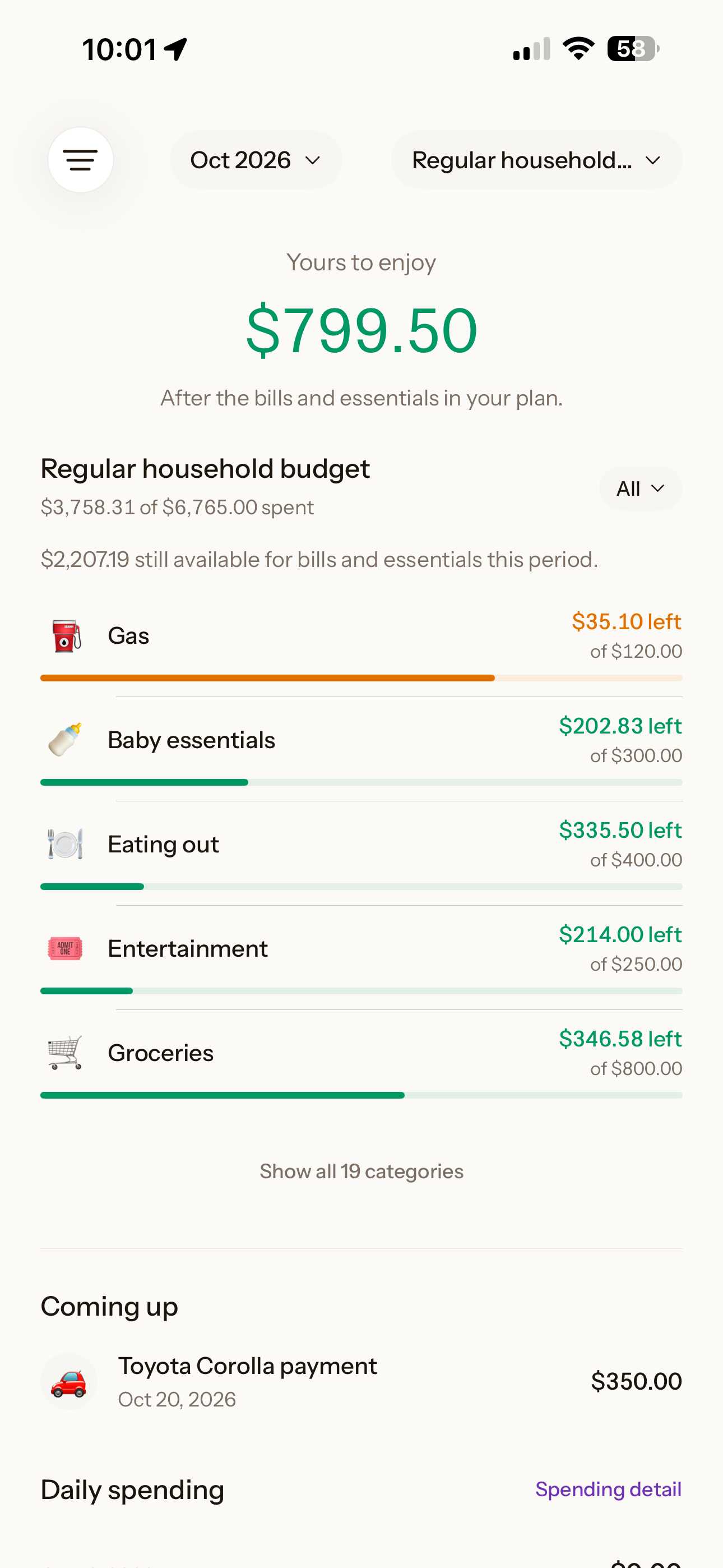
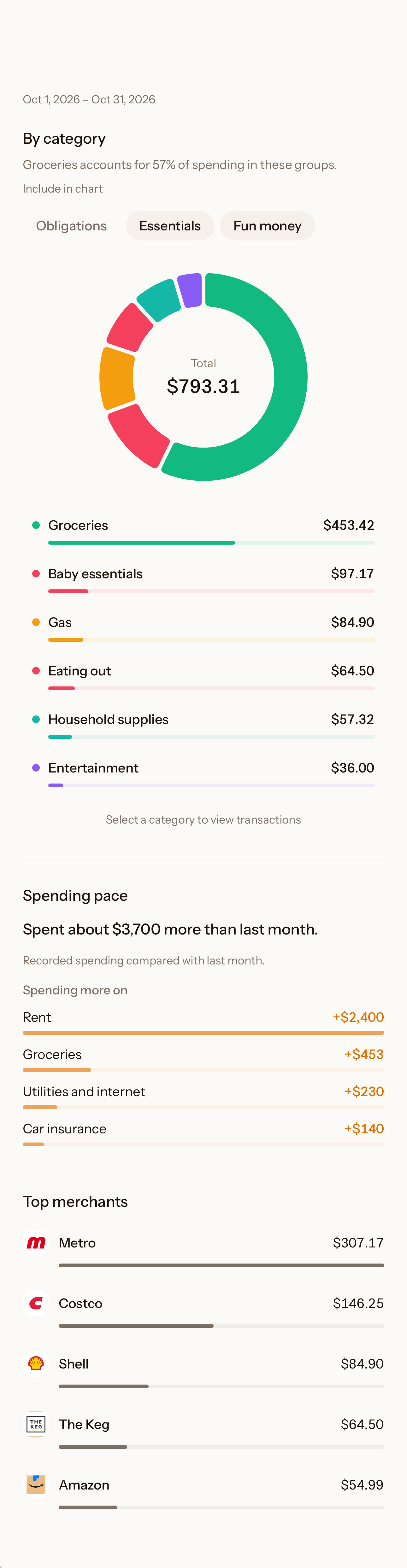
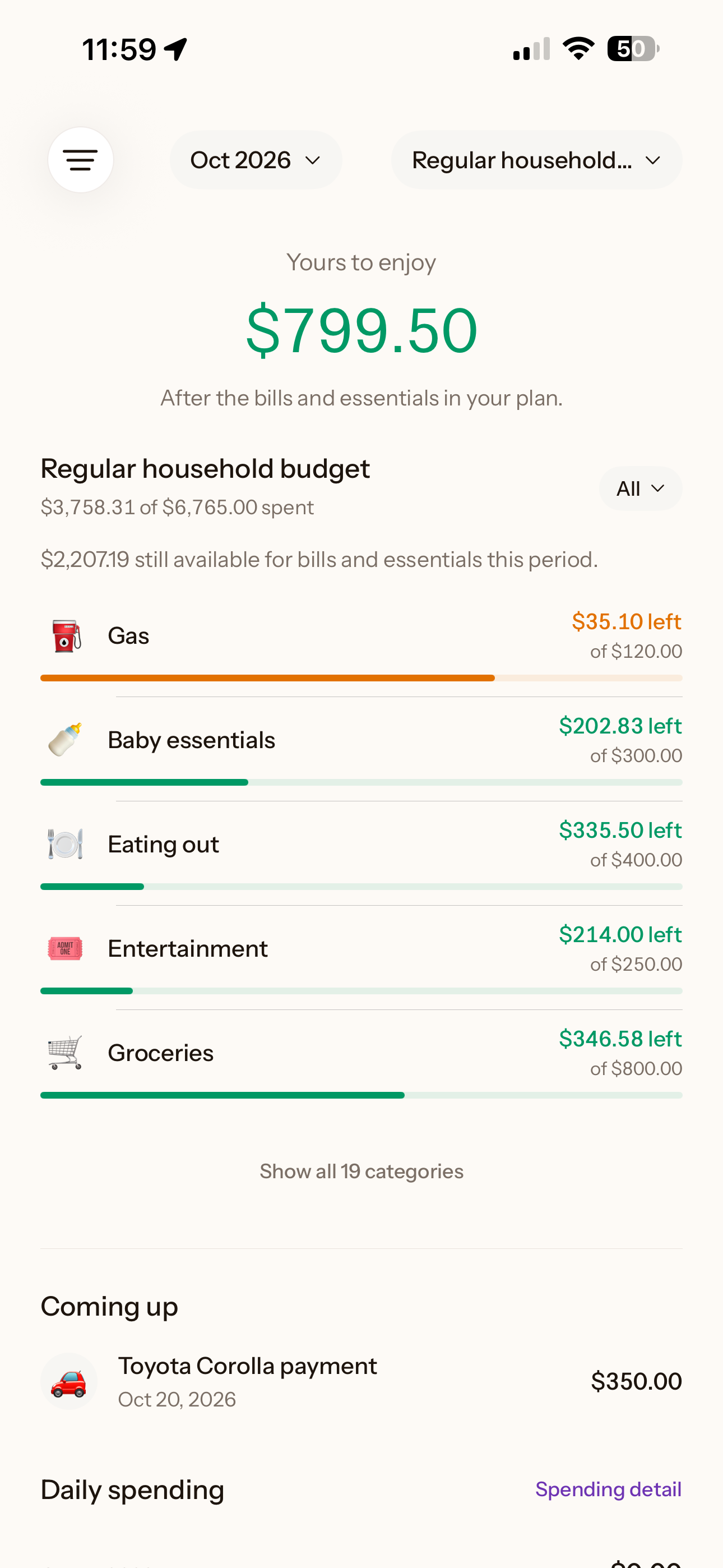
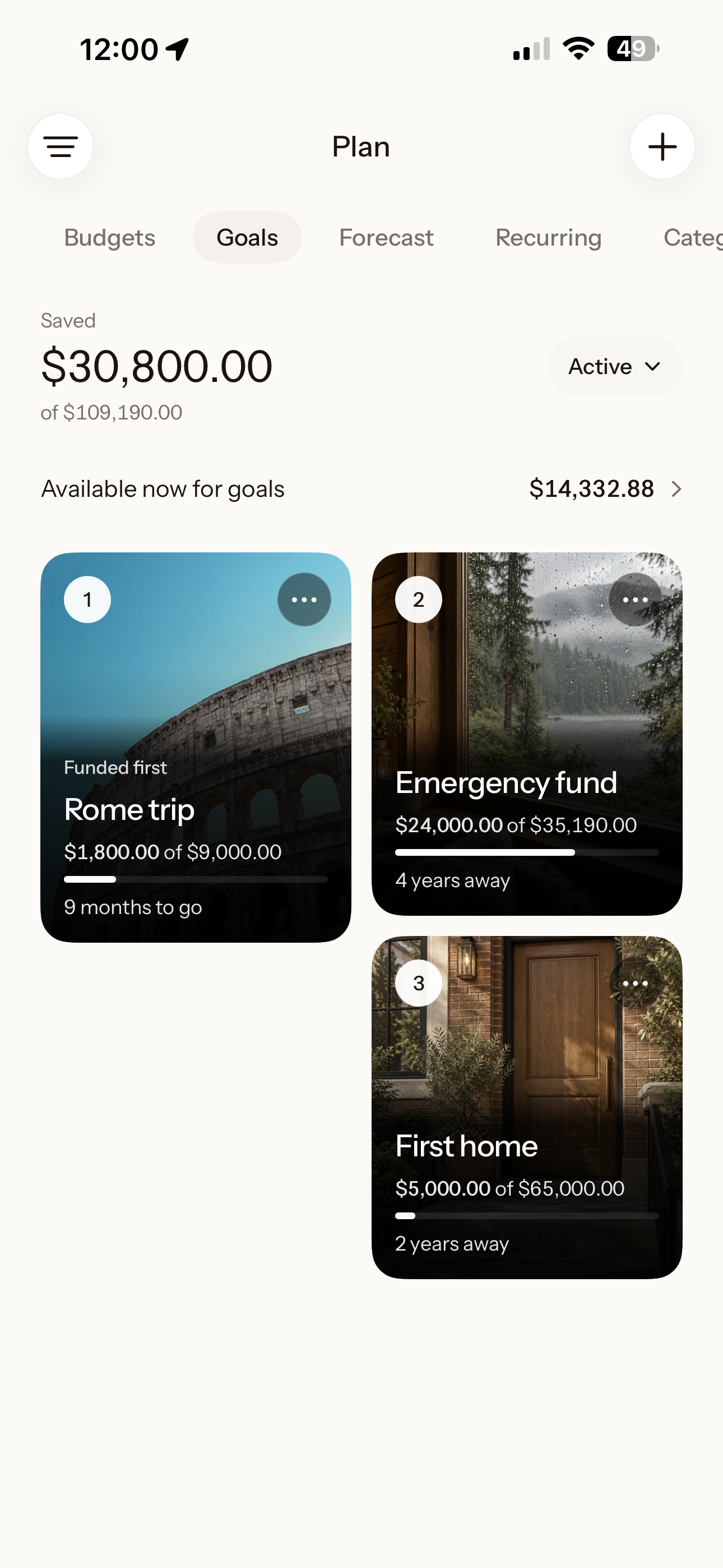
Set priorities and goals, track upcoming bills, expenses and paydays. Your whole financial picture, all in one place.
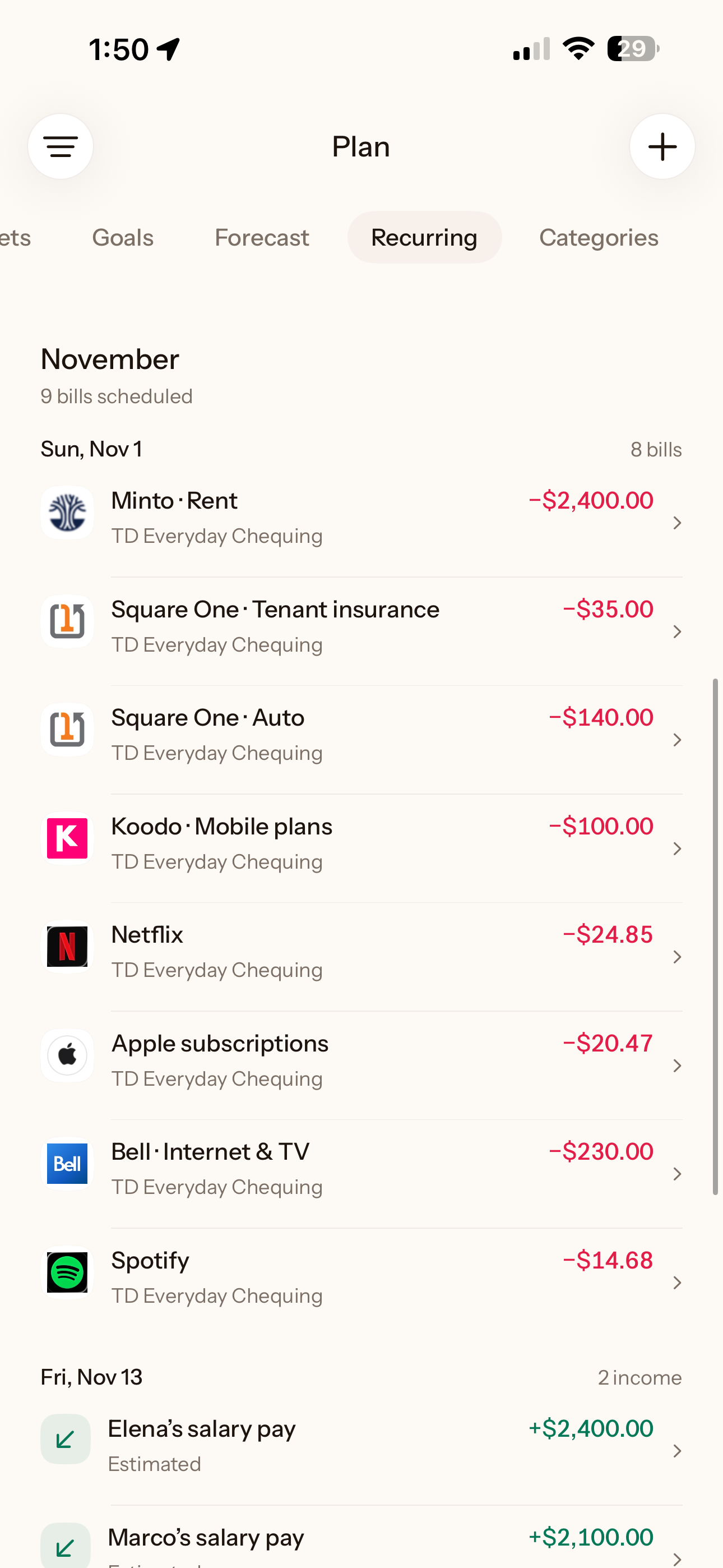
Utilize the tools inside deezbills yourself, or put Fred to work and watch him take care of everything for you.
iPhone app available soon.
Tell Fred what you’re planning. He researches the costs and fits the plan around your bills, savings and priorities, so you don’t have to work it all out yourself.
Use deezbills on the web today. iPhone app available soon.
Follow YNAB’s budgeting method, assign the money you have and adjust your categories. Targets and optional bank imports support the routine.
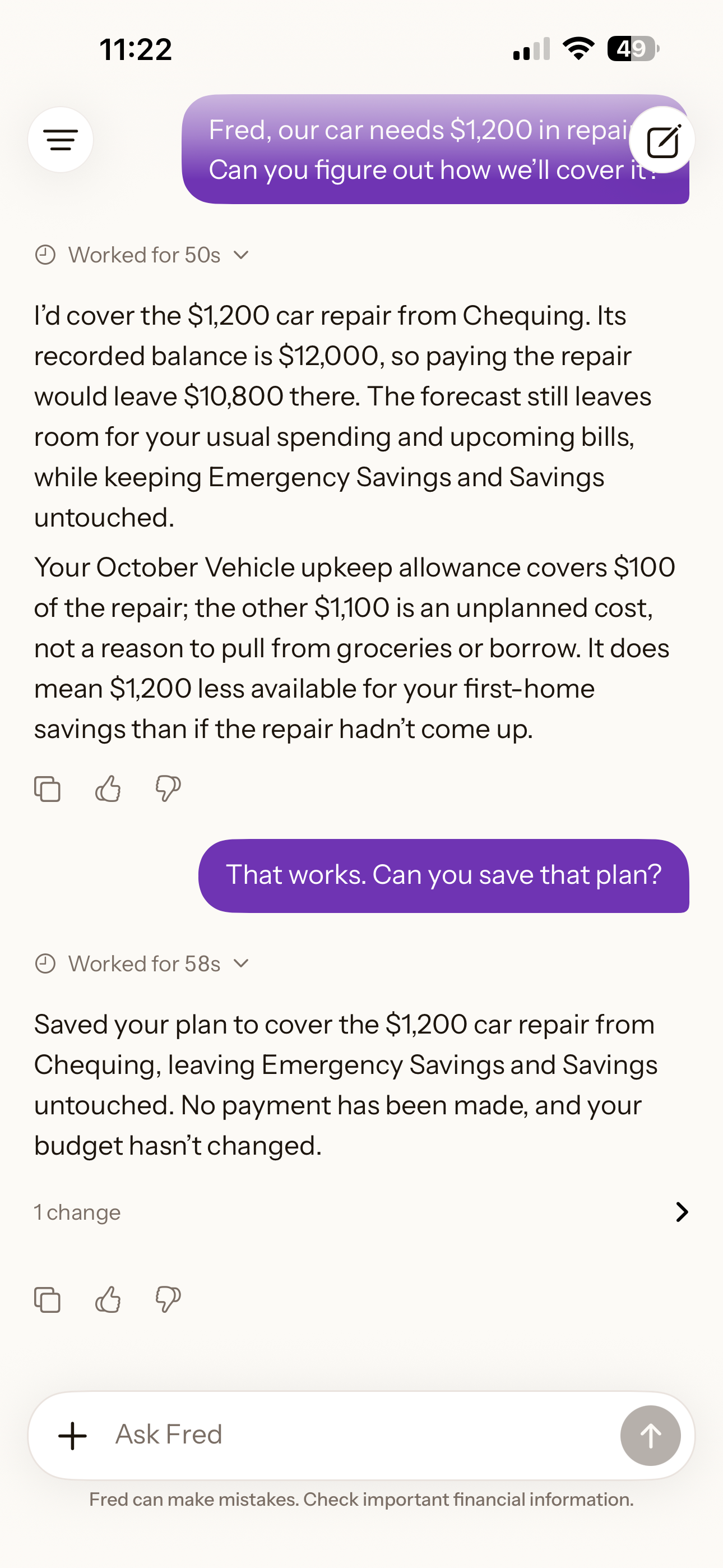
Fred researched a week in Italy for Mina and Sam, worked out a savings plan and saved their trip goal when they asked.
Use the tools yourself or ask Fred to take on the work. Your finances and plans are there to pick up from next time.
Fred researches travel costs alongside bills, childcare and savings. Work out a trip you can look forward to, with room for life at home too.
Decide what works for you, then ask Fred to put it in place. You can see the changes he made in deezbills.
A new income, a bigger bill or a different priority. Tell Fred what changed and work from the finances and plans you’ve already saved.
Start with a question or tell Fred what you want to do. He researches the costs, rules and timing, using the finances you keep in deezbills and asking for what’s missing. See how a choice would affect your bills, savings and other plans before deciding.
Then ask him to put the agreed plan in place. He can organize accounts and Spaces, build budgets, manage income and recurring expenses, set up goals, record expenses and save plans. He can also find financial details in connected Gmail and make sense of statements and receipts. You can see the changes he made and pick up from the saved plan next time.
Changes happen inside deezbills. Fred does not move money at your bank or place investment trades.
You set the priorities and review the changes Fred proposes. Ask him to explain the numbers, compare options or adjust the plan before approving.
Tell Fred about your situation, upload statements and receipts, or add records yourself. You can also connect Gmail and enable automatic expense detection, or forward bills and receipts to your private deezbills forwarding address.
No bank login is required. You choose what to share and which optional connections to enable. Your financial picture reflects the records you provide; it is not a live bank feed.
Tell Fred what changed. A new income, daycare bill or priority can affect the rest of your plan. He helps you work through it using the finances and plans you’ve already saved.
You can compare other options and ask Fred to make the changes you approve. Your budget also estimates the before-tax income needed to sustain its planned spending using your tax settings, so you can see what the lifestyle in your plan requires.
There is no automatic YNAB account migration. Start with your current balances, income, bills and goals, and bring the relevant records to Fred.
Review your financial records with Fred before relying on the plan. You can try deezbills before deciding whether to replace your existing setup.
The everyday finance tools come included: unlimited budgets, automatic and manual expense tracking, recurring expense detection and management, and categorization that learns from your corrections.
You also get income and wealth tracking, income and tax tools, clear financial health charts, goals organized by priority or in a dreamboard, and shared Spaces for household finances. Use the tools directly or ask Fred to work with them. They’re there to help you manage everyday finances and work towards the life you want.
Wealth tracking uses your recorded assets and debts; live investment holdings tracking is not currently available.
Plans have different Fred usage allowances and Gmail connection limits. See plans and pricing for the current terms.
Comparison reviewed October 16, 2026 against official product information. Features, availability and terms can change.
Fred is an AI financial copilot, not a licensed financial advisor. He can make mistakes and does not replace advice from a qualified professional.
Still loading deezbills
This is taking longer than expected. You can keep waiting or try again.